Running a Royalty Export Job Immediately
- Go to Meevo > Management > Royalty Export Settings.
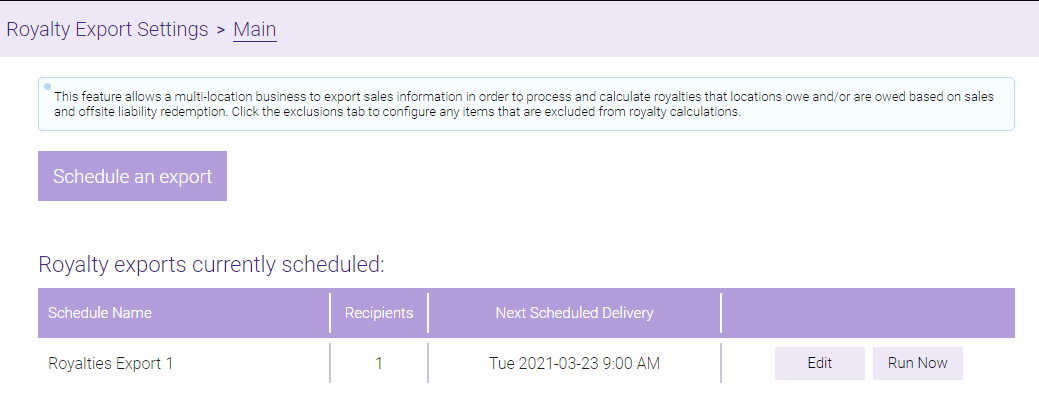
- From the Main tab, you can view or edit scheduled exports from the Royalty exports currently scheduled table.
- Select Run Now to immediately run a custom export.
- In the Run Now window, configure your custom export date range.
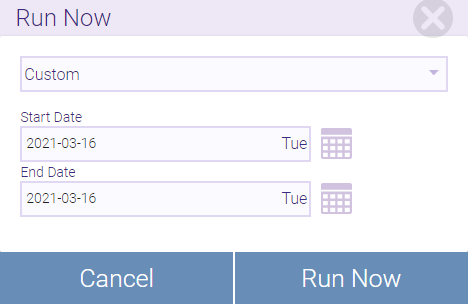
- When ready, select Run Now. The report will be delivered to the configured recipients within the hour.