Understanding Local SEO Profile Settings
Local SEO Profile Settings is where you can view and update the information about your brand that the public sees — allowing you to manage all the facts about your business, from holiday hours and in-store promotions to parking entrances and professional credentials. Most publishers with a Live status in Online Presence Management will automatically consume your Local SEO Profile Settings updates immediately after you make any changes.
Note: In Central Office, you can select a location from the list to view and update that location's Local SEO Profile Settings.
Here's a breakdown of the Local SEO Profile Settings page:
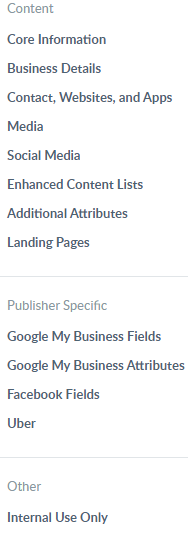
Click any link on the pane on the left to jump right to that section. Content fields consist of fields that are typically required for publishers. Publisher Specific fields consist of data consumed by an individual publisher. The Other section is where you can change the Time Zone, though this should not be necessary.
`
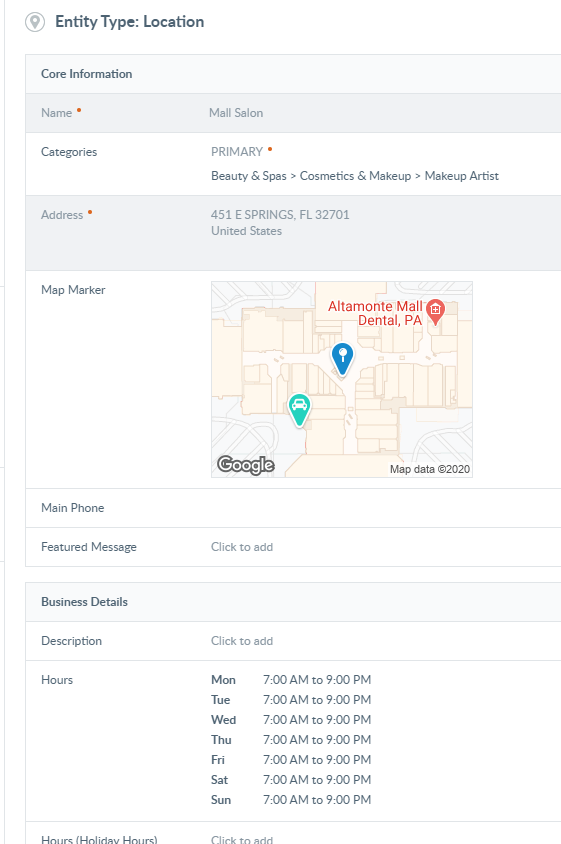
The middle pane is where you update your listing information. Fields that appear in gray, such as Name, Address, and Social Media, can only be changed by making updates in Meevo Business Information, and then re-syncing. These fields cannot be edited from within Local SEO Profile Settings.
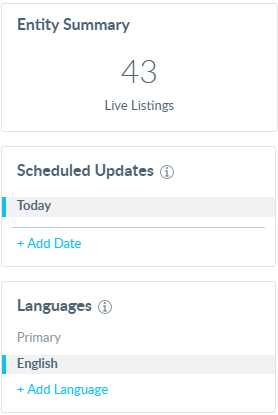
The pane on the right displays your total number of Live listings, as well as options to schedule an update or add or switch to a different language profile.