Using the Techsphere Scanner
The scanner logs all clock-in, clock-out, break-in, and break-out events that occurred on the scanner. Here's how it works:
Note: There are no restrictions on which clock action you select. For example, you could clock in twice in a row, or break-out twice in a row.
- This is the home screen, which indicates that the scanner is ready to use.
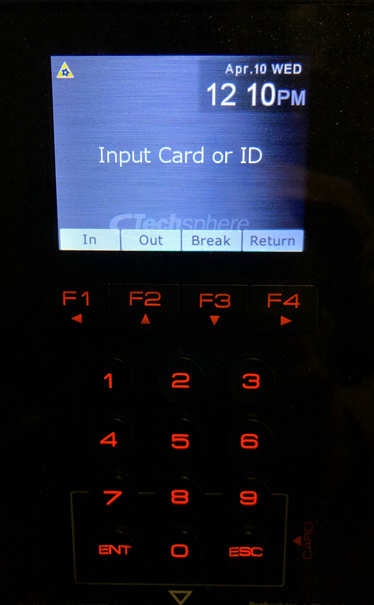
- On the scanner, select the F key that corresponds to the clock action:
- F1 to clock in.
- F2 to clock out.
- F3 to break in.
- F4 to break out.
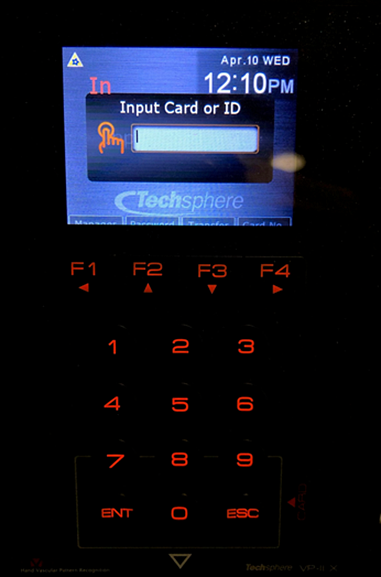
- After selecting the clock event, the scanner prompts for you the your unique PIN or ID that you were assigned during the setup process. Enter that ID.
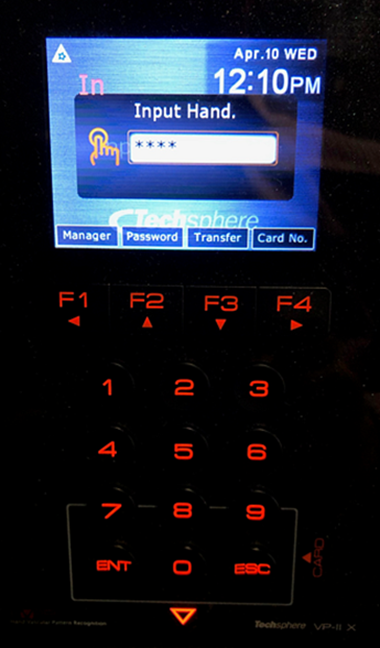
- The scanner prompts you to Input Hand, and the "down" arrow below the 0 lights up. Place your hand, palm down, on the scanner handle, and lift your wrist to engage the scan button.
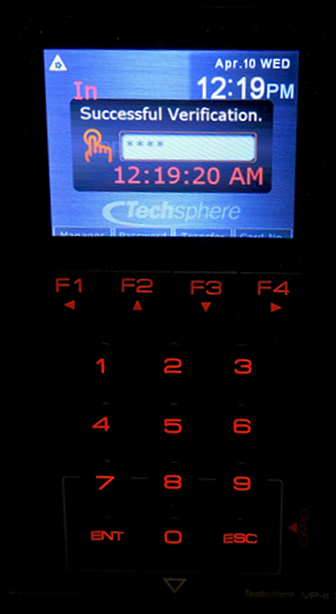
- You will hear a beep and see a Successful Verification message on the display, along with the action and time the action was recorded.
- To view your actuals from the Techsphere scanner, see Viewing Techsphere Clock Actuals.