Viewing the Report Schedules
Note: If a Daily report is not accessed for 2 weeks, a Weekly report is not accessed for 4 weeks, or a Monthly report is not accessed for 3 months, the scheduled report is deactivated and its generated reports become inaccessible.
- To view the reports you have scheduled and when they are scheduled to be delivered, type reportscheduler into the Convobar, or go to Meevo > Management > Report Scheduler.
- Enter search criteria or simply select Search to view a list of all active report schedules.
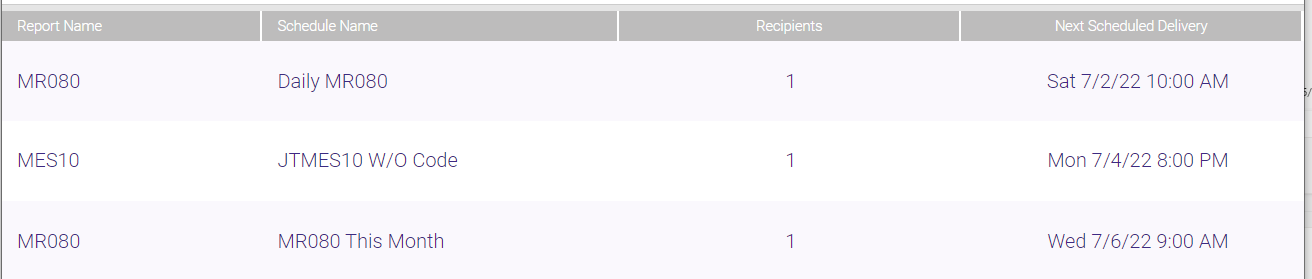
- The results list the Report Name, Schedule Name, number of Recipients, and the Next Scheduled Delivery.