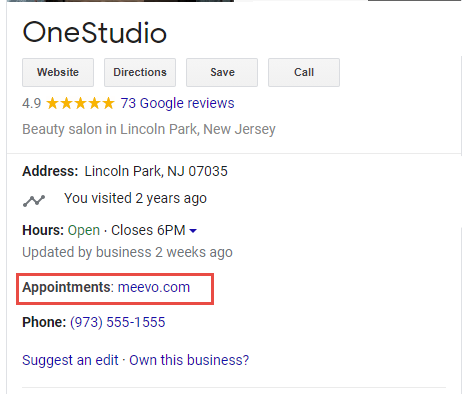
Adding an Online Booking Link to Your Google Knowledge Panel
You can add a booking link to your Google Knowledge Panel through Meevo's OPM:
- Go to Meevo > Marketing > Online Presence Management or type onlinepresencemgmt into the Convobar.
- Select the Knowledge Graph > Entities and select your location.
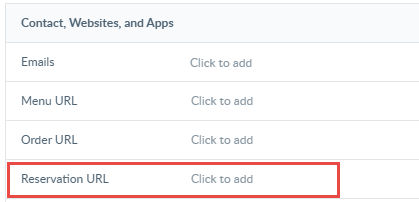
- Scroll to the Contact, Websites, and Apps section.
- Enter your location's Online Booking URL in the Reservation URL field. You can copy your Online Booking URL quickly by typing onlinebooking into the Convobar and selecting Click to copy URL.
- The URL will appear beside Appointments in your Google Knowledge Panel.