Popping the Register Drawer
The register cash drawer automatically opens when Cash is the form of payment, or when there is change due to the client (selecting Finalize Sale on the Change Due window).
You can manually pop the drawer using any of these methods:
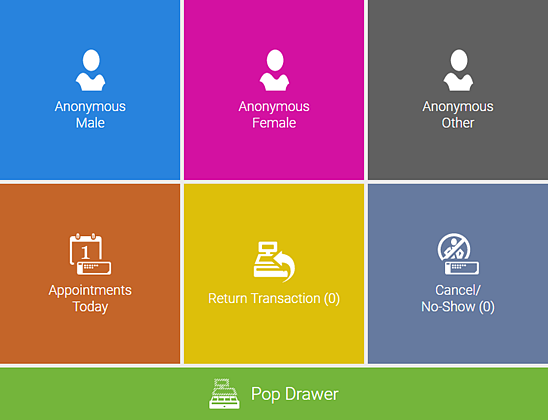
- When you first access the register, Pop Drawer is available below the standard register tiles:
- From Drawer Manager, the Pop Drawer button is available in the top-right corner.