Purchasing the SalonClouds+ Integration in Meevo
Be sure to review SalonClouds+ Integration FAQs for important information.
- Purchase the SalonClouds+ integration from the MeevoXchange.
- Wait for your order to complete. The Consumer App Settings tile will not appear in Meevo until the order is finished processing, which can take up to 20 minutes.
Tip: Check back in the MeevoXchange every 5 minutes or so and select any tile. If your order is still processing, an "order in progress" message will appear. If no message appears, the order is complete, and you can proceed to the next step.
- Once your order is finished processing, log out of Meevo and log back into Meevo.
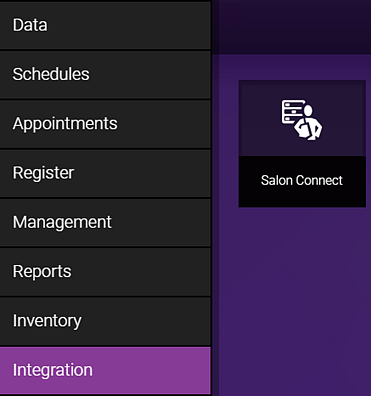
- If you did not have any integrations set up previously, the Meevo Integration tab will be there now. Verify that you can see the Integration tab and the Salon Connect tile.
- You are now ready to set up the SalonConnect app in Meevo! See Configuring the SalonConnect App and Configuring and Enabling the Scratch Off Feature for details.