Starting or Exiting Out of the Walk-in Manager Display
Note: You must have appropriate permissions to open or close out of the display.
To start the Walk-in Manager Display
- Log into Meevo on the device you wish to function as the display.
- Navigate to Meevo > Appointments > Walk-In Manager Display. The Walk-in Manager Display opens in full screen mode.
To exit and close out of the Walk-in Manager Display
- Select the hamburger menu icon in the top-right corner of the display.

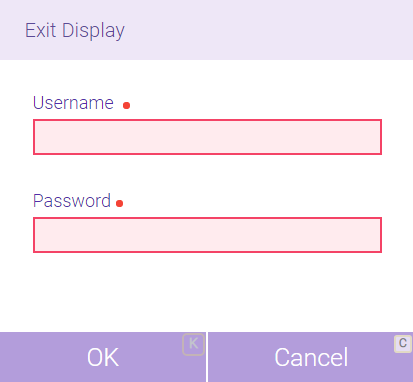
- The Exit Display window appears. Enter your credentials and select OK.
- The Walk-In Monitor Display closes and returns you to Meevo.